
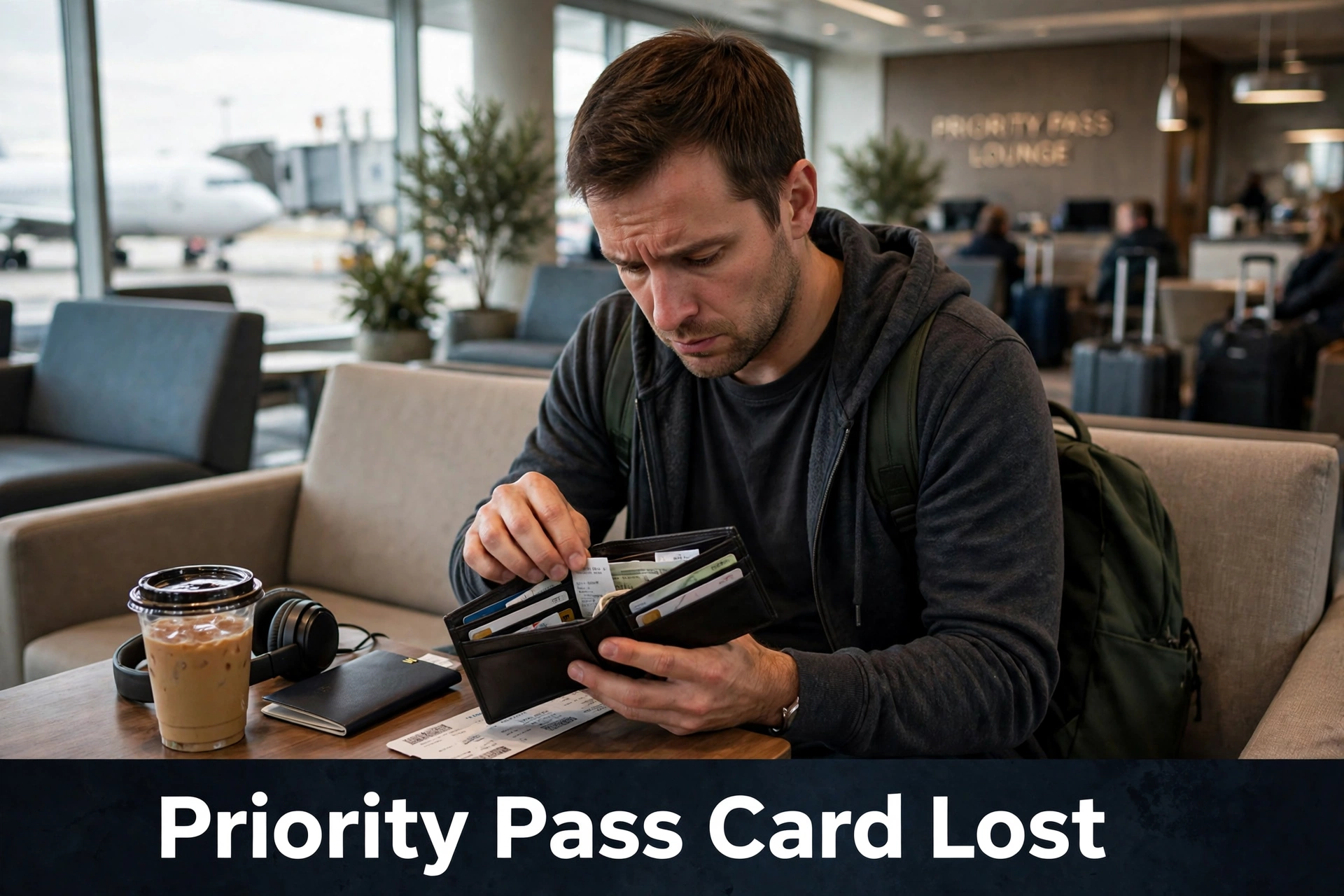
If you lose your Priority Pass card before a flight, you may still access participating airport lounges using your Digital Membership Card or another eligible entry method while arranging a replacement.
The good news is that you may still be able to access participating airport lounges through your Digital Membership Card or another eligible entry method while arranging a replacement.
Here is what to do if your card is lost, how to access a lounge, how to request a replacement, and how to resolve common Priority Pass lounge access problems.
What to Do If Your Priority Pass Card Is Lost
First, determine whether you purchased your membership directly from Priority Pass or received it through a bank or credit card issuer.
- Direct Priority Pass membership: Contact the Priority Pass Membership Services Team to request a replacement physical card.
- Credit card or bank membership: Contact your card issuer, as it manages the physical card replacement process for these memberships.
If your card was stolen, report it promptly to the appropriate provider. This helps you follow the correct procedure for protecting your membership and arranging a replacement.
Before travelling, check whether your membership supports a Digital Membership Card in the Priority Pass app. This may allow you to access participating lounges even if you do not have your physical card.
How to Get a Priority Pass Card Replacement
There are two ways to request a replacement Priority Pass card, depending on whether your card was lost or stolen and how you obtained your membership.
If You Joined Priority Pass Directly
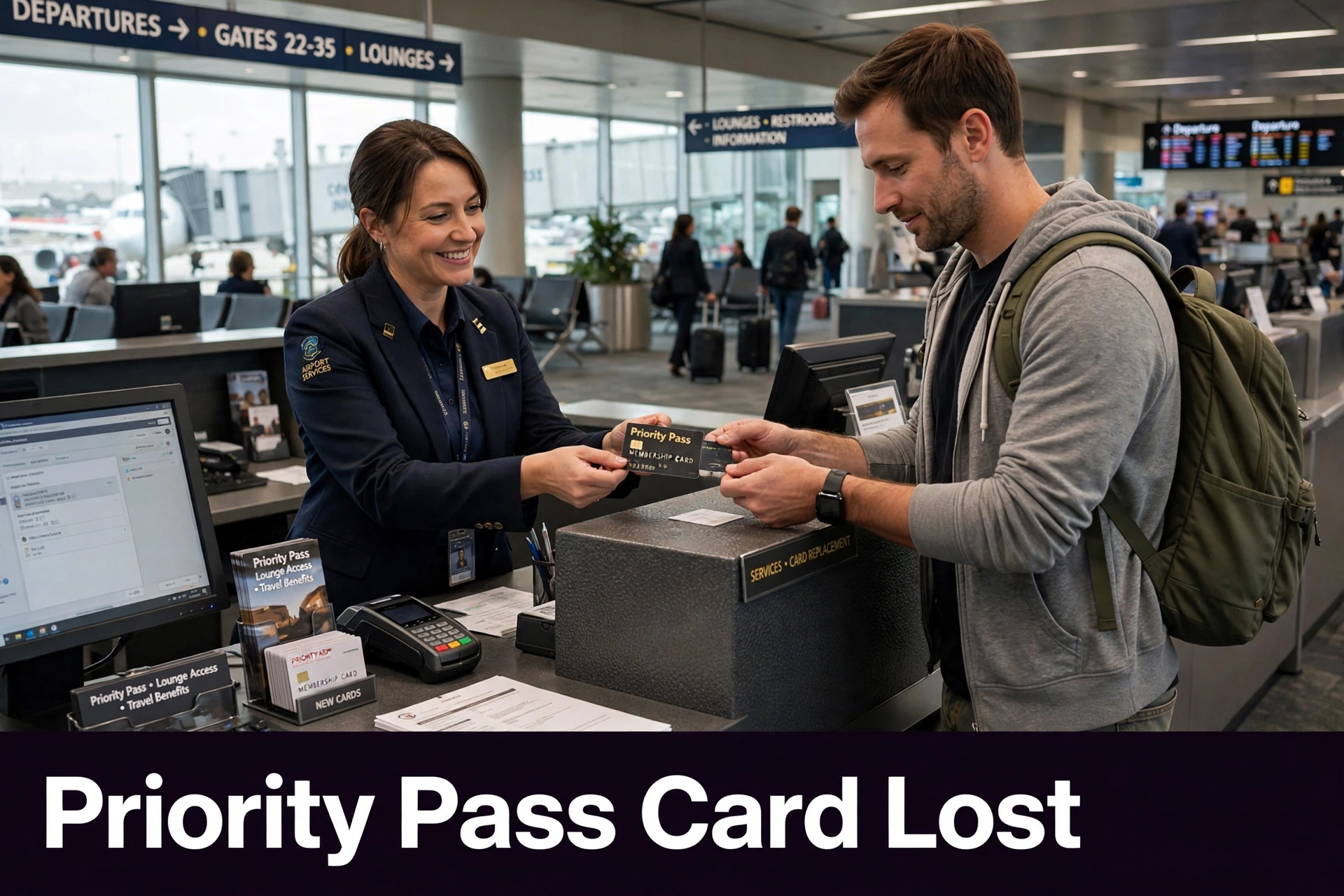
Contact the Priority Pass Membership Services Team and explain that your physical membership card has been lost or stolen. Follow their instructions to arrange a replacement.
Priority Pass states that new physical cards for direct members are generally dispatched in approximately three working days, although delivery times depend on your location.
This is the stated dispatch timeframe for new cards, not a guarantee of when a replacement will arrive.
If Your Membership Comes With a Credit Card
If your Priority Pass membership comes with a credit card or another third-party benefit, contact the organisation that issued your membership to request a replacement. The process depends on your provider.
- American Express: Contact the customer service team associated with your card or Priority Pass benefit. Confirm whether American Express or Priority Pass handles the replacement request for your specific membership.
- Chase: If your Priority Pass membership comes with an eligible Chase card, contact Chase through its official customer service channels to confirm the replacement process.
- Capital One: If your card provides Priority Pass membership, contact Capital One through its mobile app or customer support to find out how to replace your membership card.
- Eurocard: Customers can request a replacement through the Spendwise app or website.
Can You Use Priority Pass Without Your Physical Card?
Yes, potentially. Your available options depend on your membership and the entry methods accepted by the lounge.
Digital Membership Card: If your membership supports digital access, open the Priority Pass app and navigate to the membership card section. Check the lounge listing to confirm that it accepts the digital card.
Eligible payment card: Some members who receive Priority Pass through a payment card can enter using the linked bank-issued card. Contact your issuer to confirm eligibility, and check whether your intended lounge accepts this method.
Physical replacement card: If neither alternative is available or accepted, you may need to wait for your replacement card before visiting that lounge.
Remember that lounge entry remains subject to a valid membership, a same-day boarding pass, and the lounge’s access conditions.
How to Find Your Priority Pass Membership Number
If you have lost your physical card, you may also need your Priority Pass membership number to verify your account or complete a request.
Try these steps:
- Log in to your Priority Pass account or app if you already have access.
- Check your membership details and any previous membership communications.
- If you cannot find the number, contact Priority Pass Membership Services or the card issuer that provides your membership.
If you received Priority Pass through a bank, the issuer is often the best starting point for membership-specific questions. Do not assume that your credit card number and Priority Pass membership number are interchangeable.
Priority Pass Card Not Working? Try These Fixes
If your Priority Pass card or digital membership card is not working, check the following before travelling.
- Your digital card is missing: Confirm that your membership supports digital access and that you have completed the registration and activation process.
- Your digital card is not scanning: Check that the membership has not expired. At the lounge, try adjusting your phone’s screen brightness so the reader can recognise the card.
- You have received a replacement physical card: If your Digital Membership Card was linked to the previous physical card, you will need to repeat the activation steps in the Priority Pass app to activate a new digital card.
- Your payment card is not accepted: Confirm that payment-card entry is included in your membership and accepted by the lounge. If you recently received a new bank card, you may need to update or revalidate your payment details.
If the problem continues, contact the relevant membership provider for assistance.
Frequently Asked Questions
How do I order a replacement Priority Pass card?
Direct members should contact Priority Pass Membership Services. Members whose benefits come through a bank or credit card issuer should contact that provider.
Can I use my Priority Pass membership number to enter a lounge?
A membership number alone is not a substitute for an accepted entry credential. You generally need an accepted physical or digital membership card, or another eligible entry method.
Do I need to activate my digital membership card again after receiving a replacement?
If your Digital Membership Card is linked to the physical card that was replaced, you will need to activate a new digital card through the app.
Conclusion
If your Priority Pass card is lost, contact the provider responsible for your membership to arrange a replacement. In the meantime, check whether your Digital Membership Card or an eligible payment card can provide lounge access.
Before your next flight, confirm the lounge’s accepted entry methods and make sure your membership is valid. Taking these steps early can help you avoid unnecessary disruption to your travel plans.